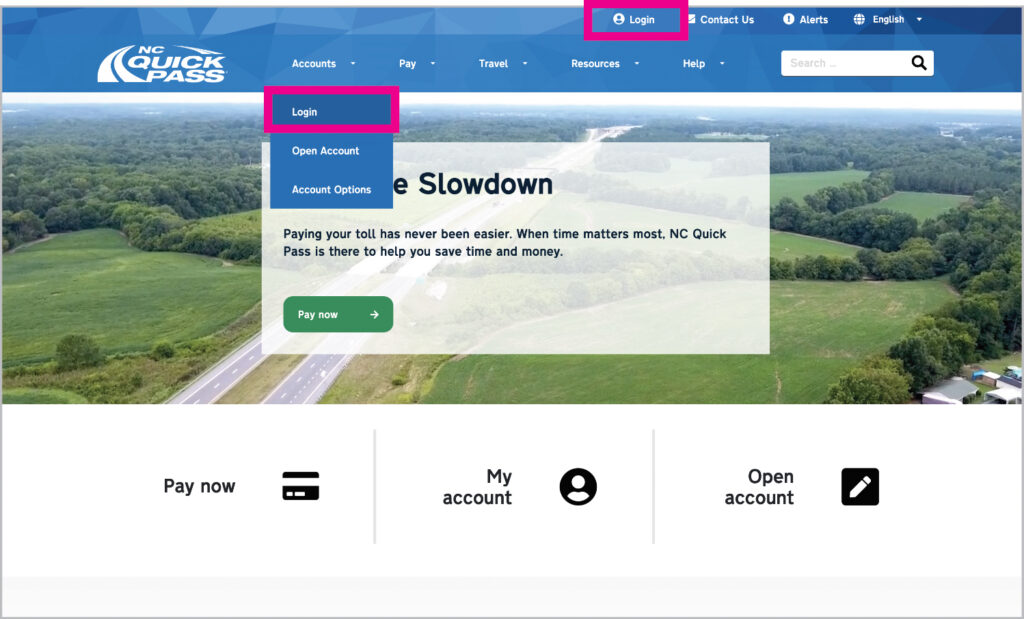
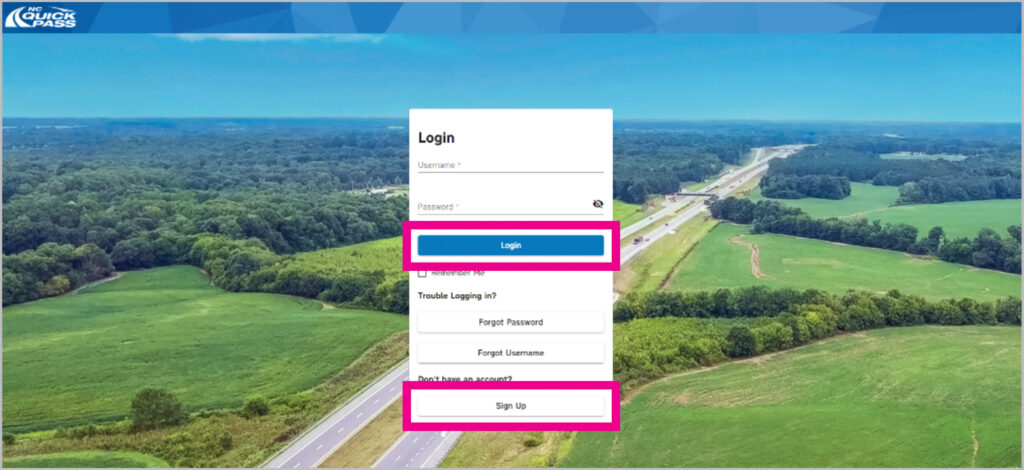
If you already have an account, type in your existing username and password. Select Login.
If you don’t have an account and would like to begin saving 50% on tolls, create an account and select Sign Up.
Step 3
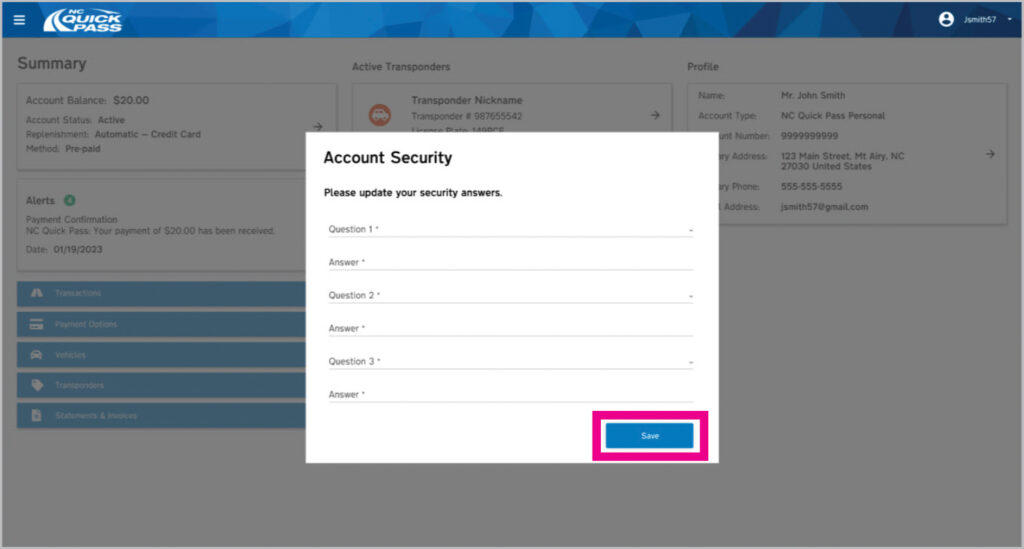
Once you have logged in for the first time, a pop-up will appear to set your security questions. Please choose three questions, and type in the answers that you will need to remember. Select Save.
Step 4
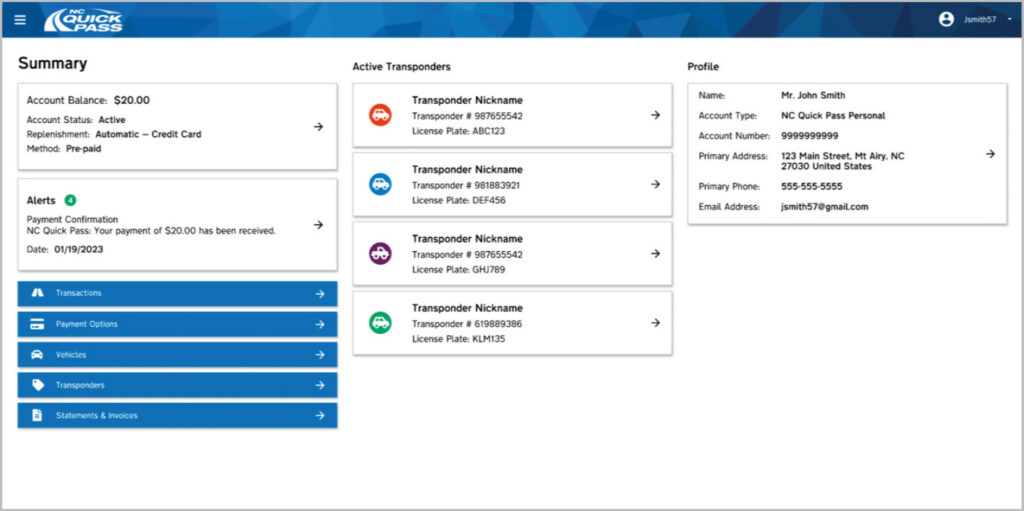
Success! You’ve logged in to the new NC Quick Pass website.