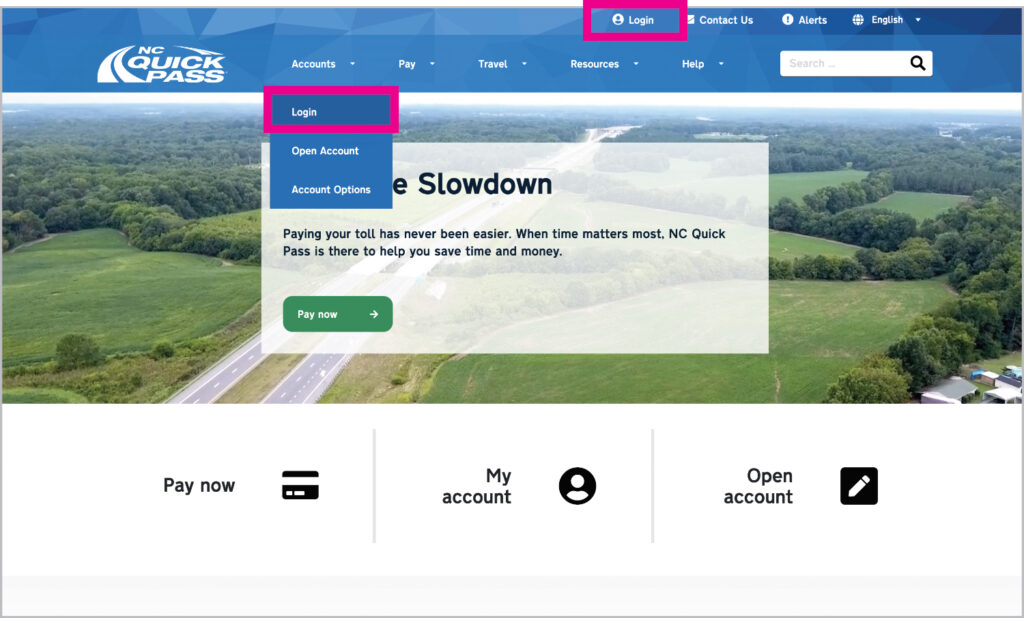
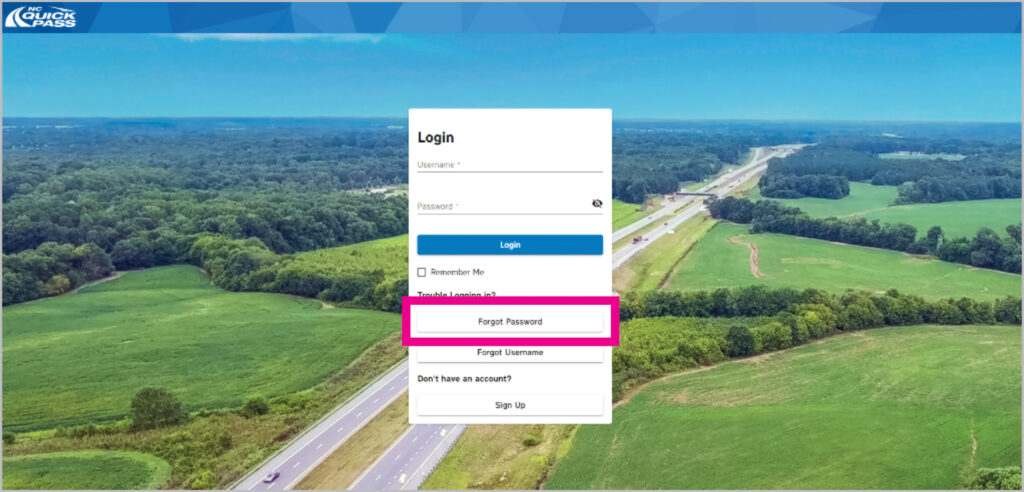
If you forgot the password to your NC Quick Pass account, select Forgot Password.
Step 3
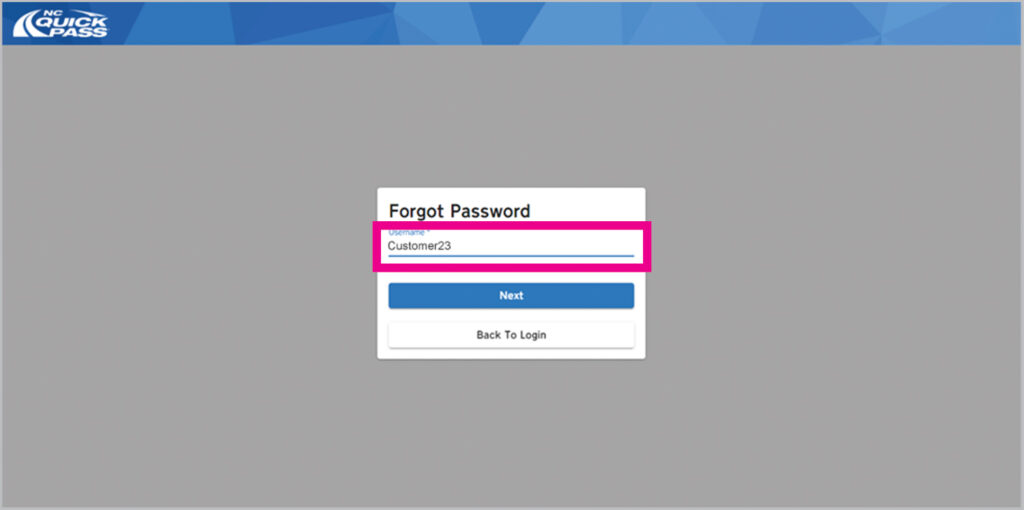
Enter your Username and then select Next.
Step 4
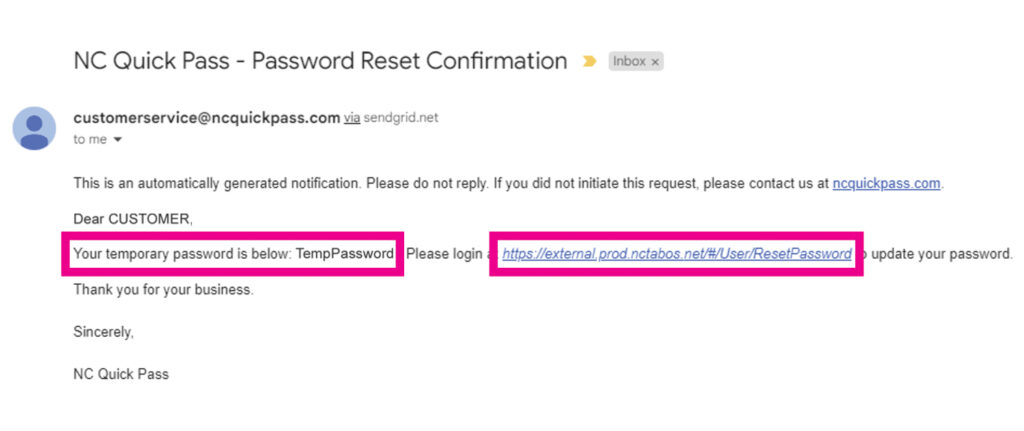
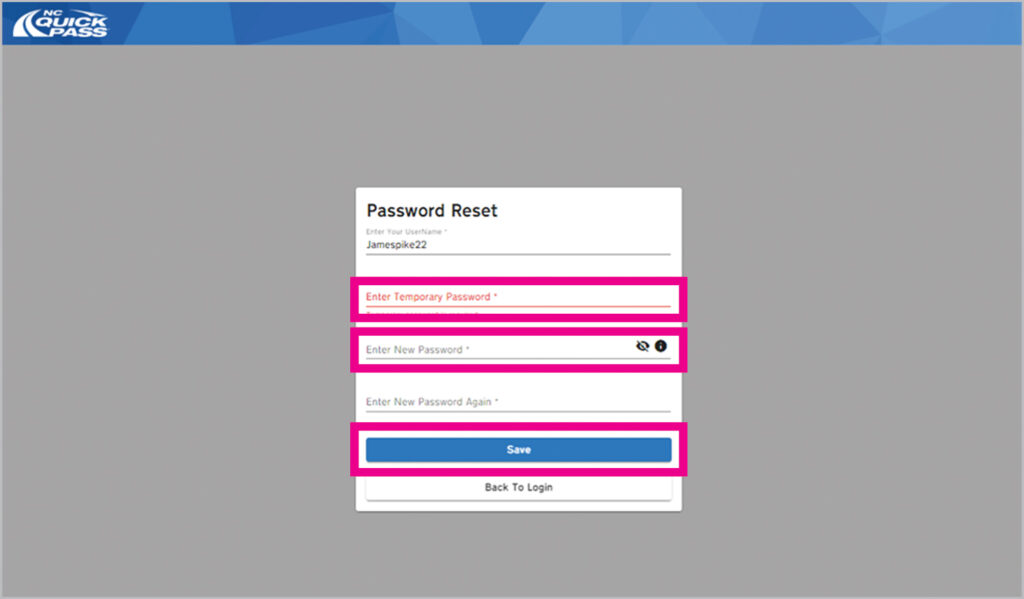
NC Quick Pass will send you an email with a temporary password. Select the link to be directed to the Password Reset screen.
Step 5
Once on the Password Reset screen, enter your username, and type your temporary password from the email into the Enter Temporary Password field. Enter a new password twice in the Enter New Password fields. Select Save and you’re all done. Success!