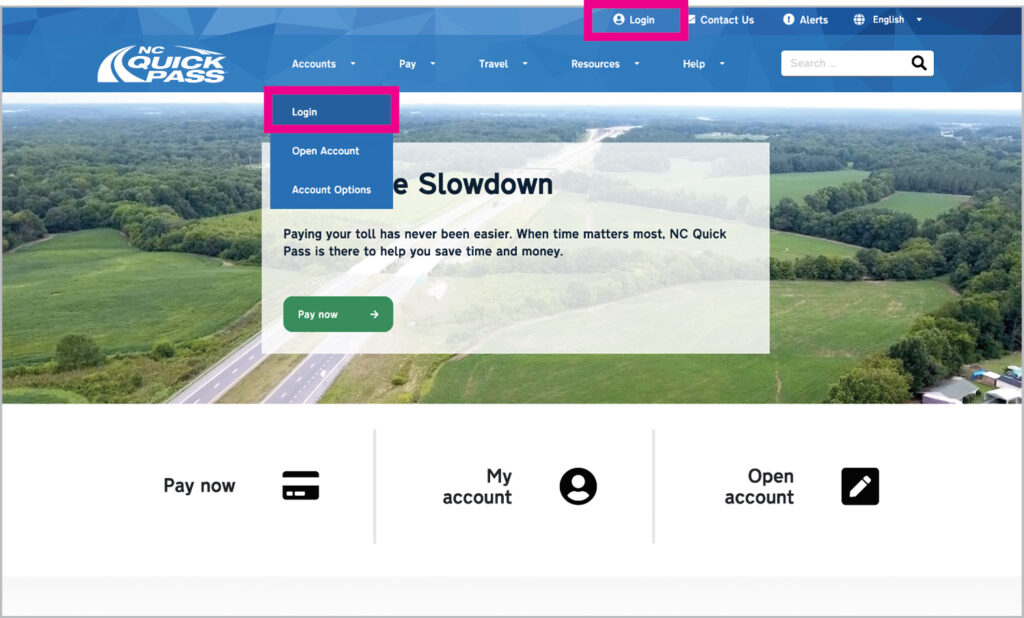
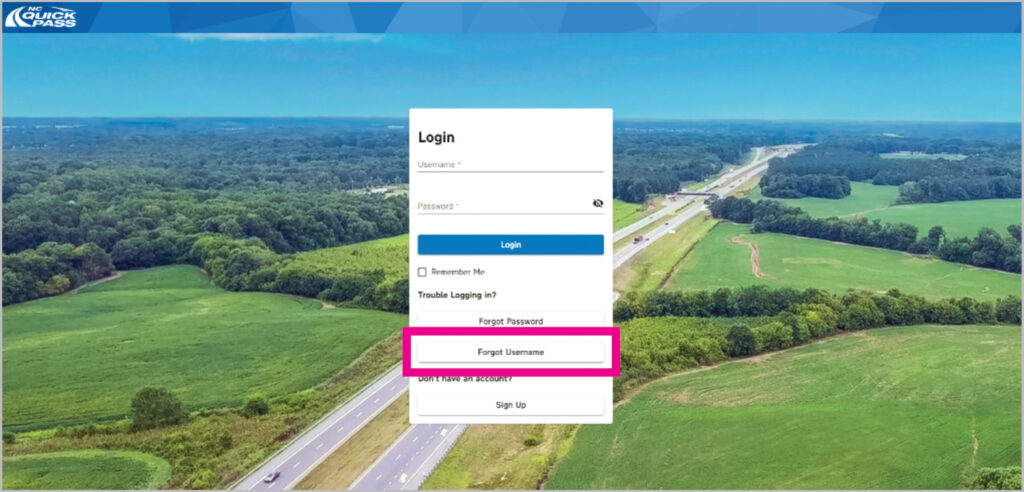
If you forgot your NC Quick Pass account username, select Forgot Username.
Step 3
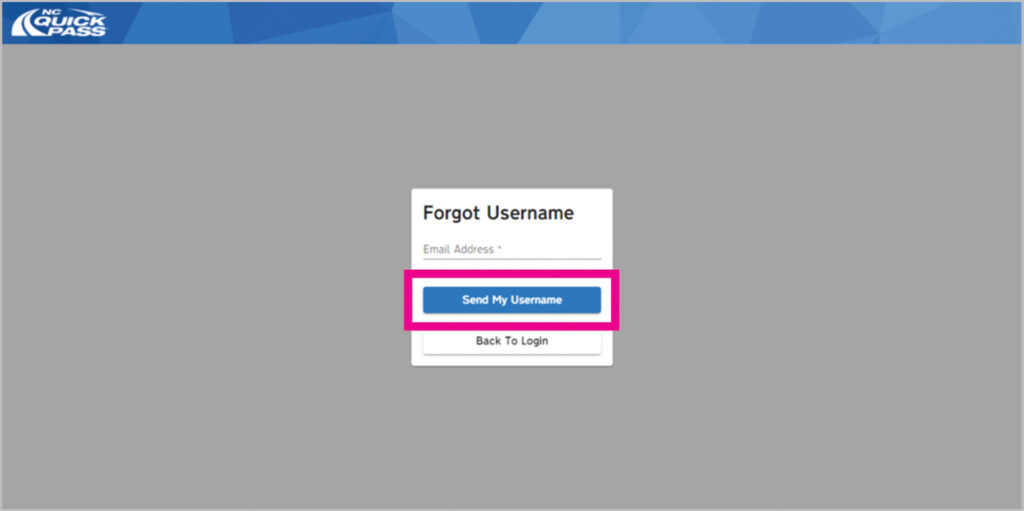
Enter your email address and then select Send My Username. NC Quick Pass will send you an email with your existing username.
Step 4
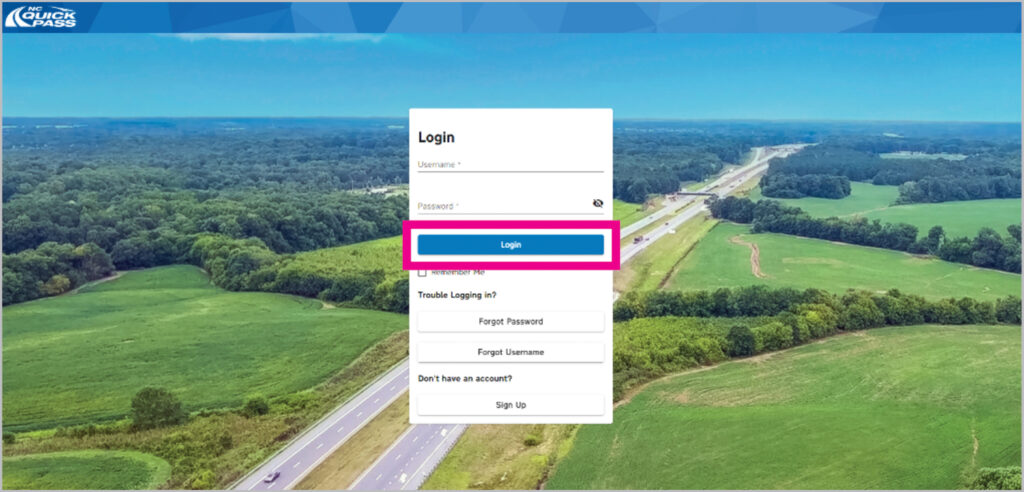
Copy your username from the email select Back to Login to return to the Login screen where you can enter your username and password. Select Login and you’re in! Success!